01
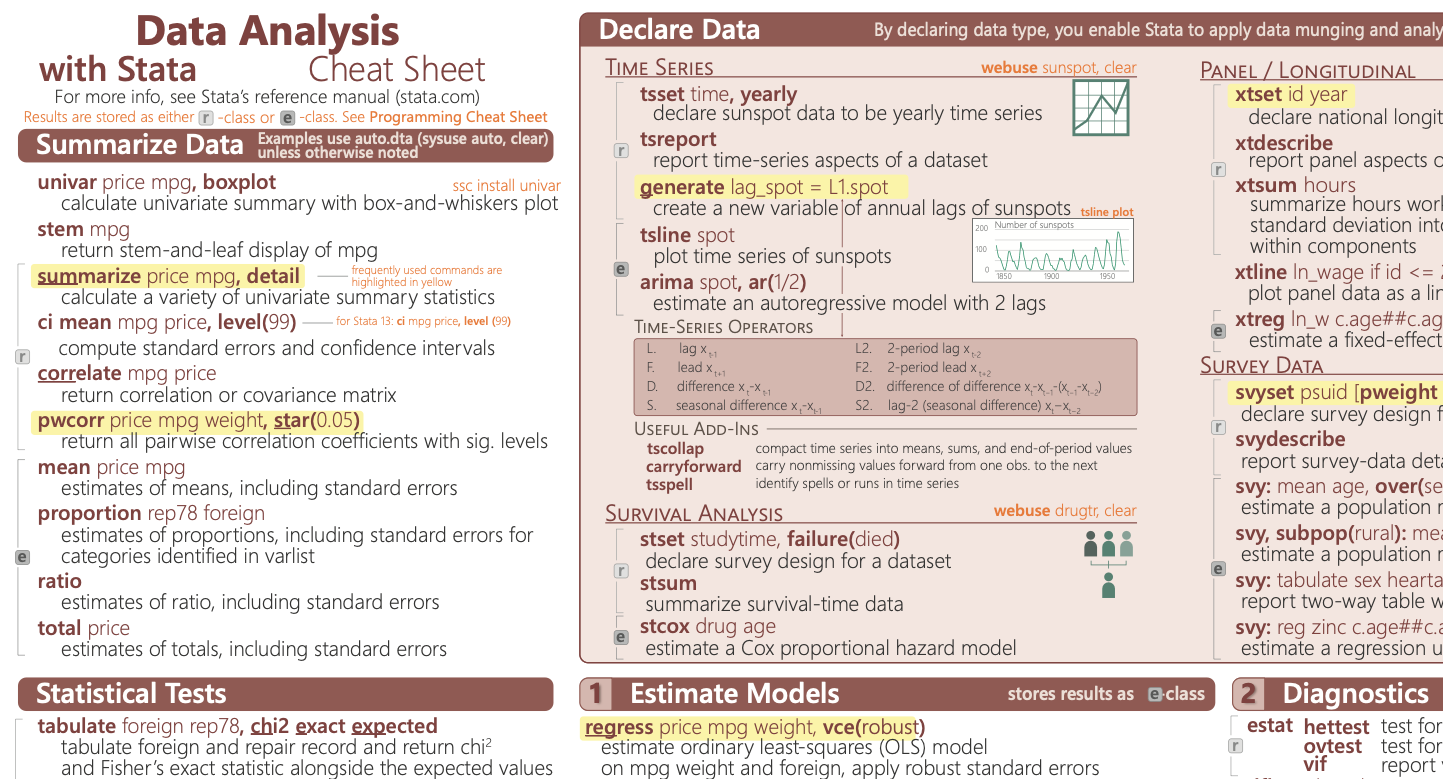
Data Analysis
Commands for descriptive statistics, hypothesis testing,
regression, panel data, survey analysis, time-series
methods, diagnostics, and postestimation.
Regression
Panel Data
Survey Data
Postestimation
02
Programming
An introduction to macros, matrices, scalars, loops,
stored results, temporary files, debugging, and exporting
regression output.
Macros
Loops
Matrices
Stored Results
03
Data Processing
Quick-reference commands for importing data, exploring
variables, creating new variables, changing data types,
summarizing observations, and applying logical conditions.
Import Data
Explore Data
Generate Variables
Data Types
04
Data Transformation
Examples of subsetting, recoding, labeling, reshaping,
merging, appending, string manipulation, and exporting
cleaned datasets.
Reshape
Merge
Append
Strings
05
Data Visualization
Syntax and examples for scatterplots, histograms, bar
charts, box plots, fitted lines, coefficient plots,
marginal-effects plots, and combined figures.
Scatterplots
Histograms
Coefficient Plots
Marginsplot
06
Graph Customization
Options for graph colors, text, marker symbols, line
patterns, labels, legends, themes, plot regions, and
exporting publication-ready figures.
Colors
Markers
Themes
Export Graphs